
Sharraxaad
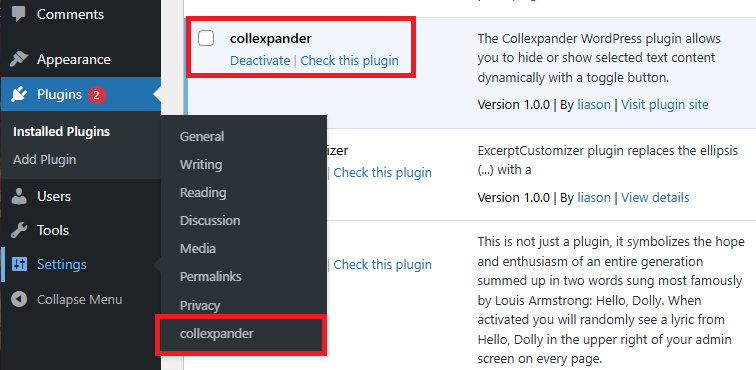
The Collexpander WordPress plugin allows you to hide or show selected text content dynamically with a toggle button.
It’s useful when you want to display long descriptions, FAQs, technical documentation, or additional product details without overwhelming the reader.
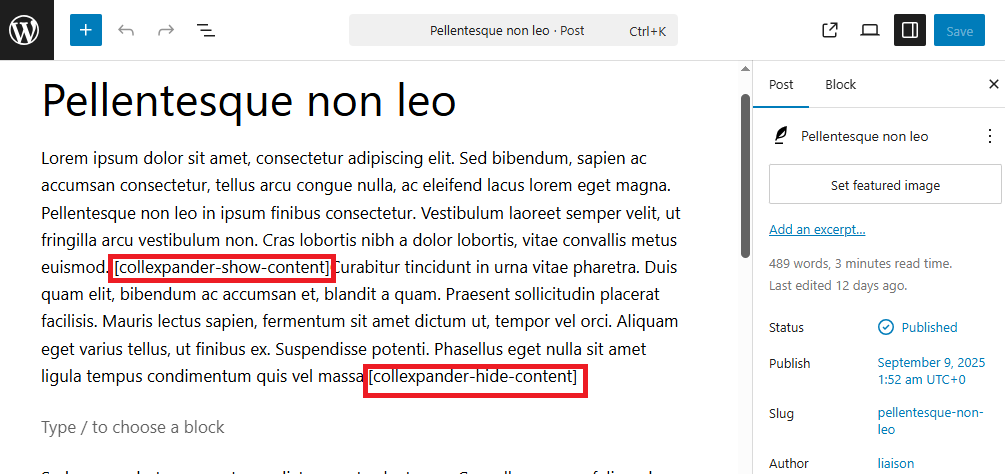
Simply insert the shortcode pair in your post or page:
[collexpander-show-content]
[collexpander-hide-content]
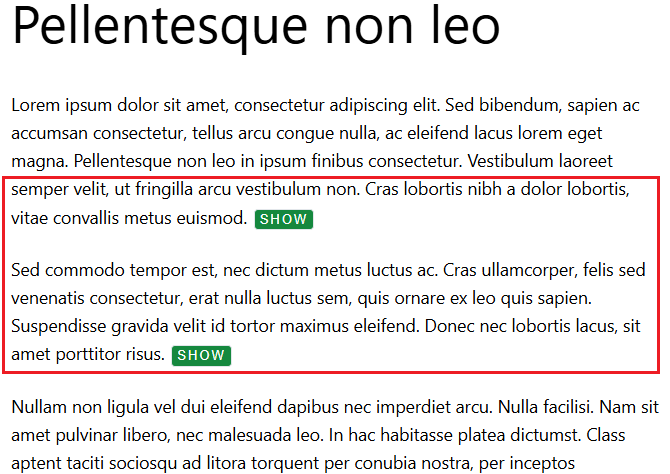
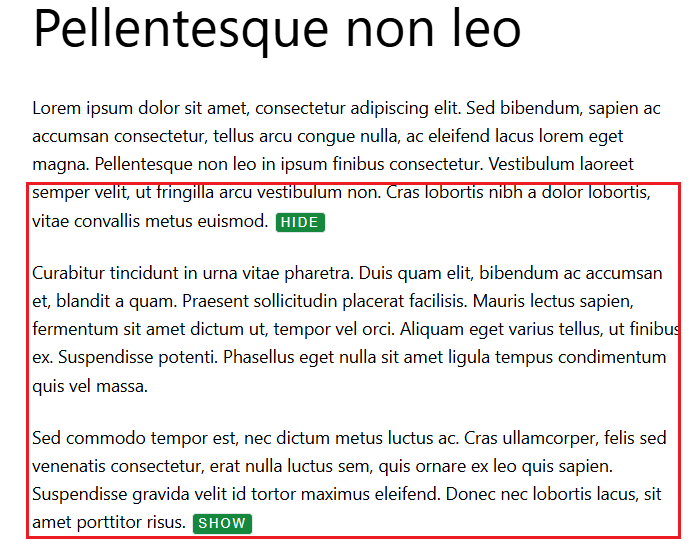
Everything placed between the two shortcodes will be initially hidden, and can be expanded or collapsed when the visitor clicks the toggle button.
The plugin includes three customizable button styles (default, outline, and minimal) and two button text options (e.g., “Show” / “Hide” or “More” / “Less”).
You can also easily adjust button labels, colors.
This plugin helps improve content readability and provides a clean, user-friendly experience — ideal for blogs, product pages, FAQs, and educational content where text organization and clarity matter.
Sawir-shaashado

Rakibaad
For an automatic installation through WordPress: 1. Select Add New from the WordPress Plugins menu in the admin area. 2. Search for ‘collexpander’. 3. Click Install Now, then Activate Plugin.
For manual installation via FTP: 1. Upload the ‘collexpander’ folder to the ‘/wp-content/plugins/’ directory. 2. Activate the plugin from the ‘Plugins’ screen or ‘Installed Plugins’ menu in WordPress Dashboard.
Dibu-eegisyo
Ma jiraan wax dibu-eegis ah oo ku saabsan kaabahan.
Ka-qaybgalayaasha & Horumariyayaasha
“collexpander” waa softiweer il furan. Dadka soo socda ayaa wax ku biiriyay kaabahan.
Ka-qaybgalayaasha
Ku tarjun “collexpander” luqaddaada.
Ma xiisaynaysaa horumarinta?
Baadh koodka, fiiri bakhaarka SVN, ama iska qor diiwaanka horumarinta adigoo adeegsanaya RSS.
Isbeddellada
1.0.0
- First release