Sharraxaad
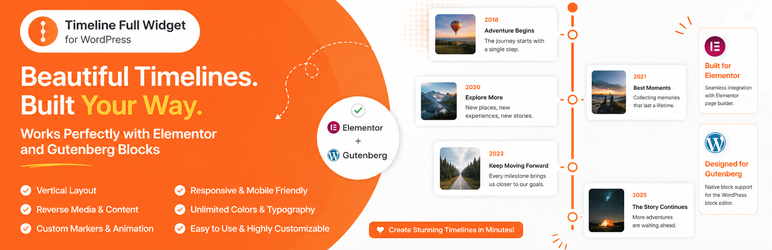
Timeline Full Widget is a lightweight and flexible WordPress timeline plugin that allows you to create timelines using both Elementor and Gutenberg.
The plugin provides a consistent editing experience across builders and gives you full control over layout, styling, and content without unnecessary complexity.
Key advantages:
- Works with Elementor and Gutenberg
- Clean and simple editing experience
- Customizable styles (colors, typography, spacing)
- Support for images and video
- Responsive layout
- Reusable styles between timeline items
- Block-based side and main content areas for Gutenberg timeline items
You can use it for:
- Project timelines
- Roadmaps
- Company history
- Event timelines
- Milestones
Contribute
Would you like to help translate Timeline Full Widget into your language?
You can contribute translations here:
https://translate.wordpress.org/projects/wp-plugins/timeline-full-widget/
Sawir-shaashado


Xayndaabyo
Kaabahani wuxuu bixinaya 1 xayndaab.
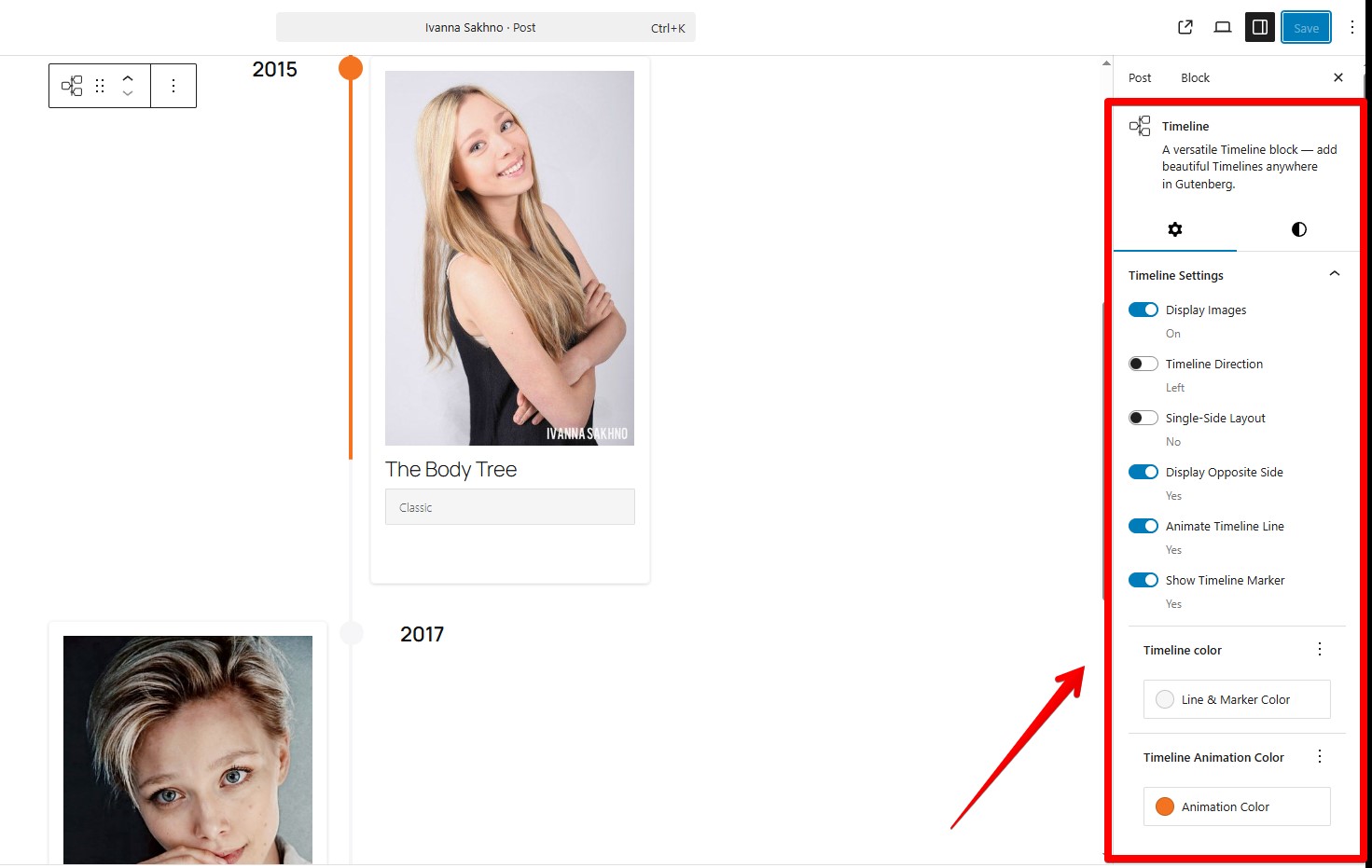
- Timeline Full Widget A versatile timeline block for adding responsive timelines in Gutenberg.
Rakibaad
- Upload the plugin files to the
/wp-content/plugins/timeline-full-widgetdirectory, or install it through the WordPress plugins screen directly. - Activate the plugin through the ‘Plugins’ screen in WordPress.
- Use the Elementor editor or Gutenberg editor.
SBI
-
Does it work with the latest Elementor?
-
Yes, tested with Elementor 4.0.3 and WordPress 6.9.
-
Does it support Gutenberg (block editor)?
-
Yes, the plugin includes a native Gutenberg block. Type “/timeline”
-
Can I change the marker on the timeline items?
-
Yes, you can. Use the “Edit marker” button. In “Marker Settings” you need choose “Unique Marker” option, after that you would be able to set a personal marker like a image.
-
Can I add blocks inside a timeline item?
-
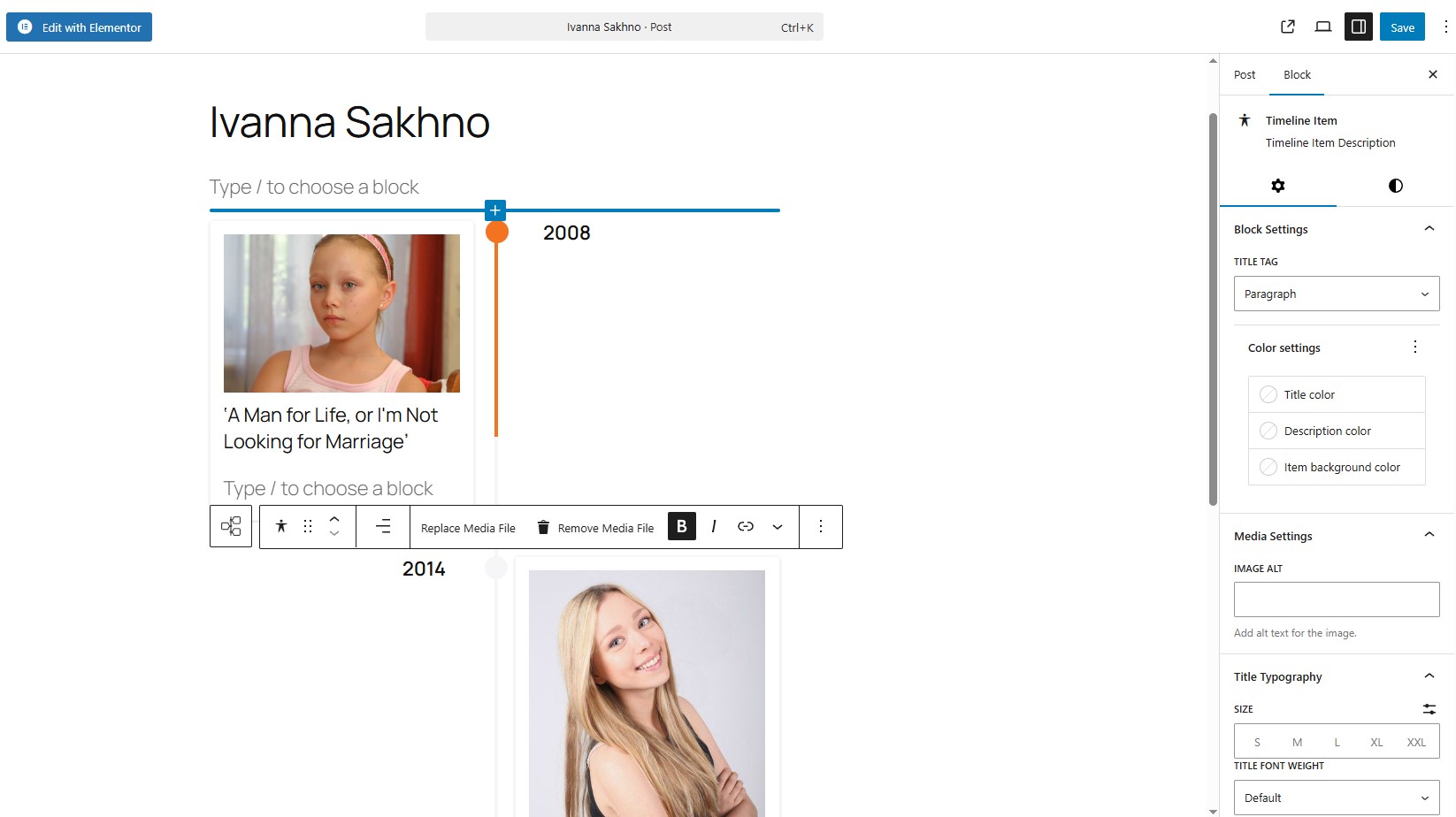
Yes. In Gutenberg, each timeline item now has separate block-based areas for side content and main content. You can add headings, paragraphs, lists, galleries, and other compatible blocks to each area.
-
Can I customize timeline item styles?
-
Yes, you can control colors, typography, spacing, and alignment for each item.
-
How to apply the same styles to all Timeline items in block component?
-
Use the “Apply item styles to other items” button. It copies styles from the current item to all other items.
-
Is it responsive?
-
Yes, the timeline layout adapts to different screen sizes.
-
Will it work with my theme?
-
Yes, it works with most WordPress themes, including block and classic themes.
Dibu-eegisyo
Ma jiraan wax dibu-eegis ah oo ku saabsan kaabahan.
Ka-qaybgalayaasha & Horumariyayaasha
“Timeline Full Widget” waa softiweer il furan. Dadka soo socda ayaa wax ku biiriyay kaabahan.
Ka-qaybgalayaasha
“Timeline Full Widget” waxaa lagu tarjumay 9 luqadood. Way ku mahadsan yihiin turjumaannada ka-qaybqaadashadooda.
Ku tarjun “Timeline Full Widget” luqaddaada.
Ma xiisaynaysaa horumarinta?
Baadh koodka, fiiri bakhaarka SVN, ama iska qor diiwaanka horumarinta adigoo adeegsanaya RSS.
Isbeddellada
3.0.0
- Reworked the Gutenberg Timeline Item structure to support block-based side content and main content areas.
- Added support for adding any compatible WordPress blocks inside both the side content area and the main description area of each timeline item.
- Kept nested side and main content areas editable by default, including regular WordPress block insertion.
- Replaced the custom timeline item title field with a standard editable Heading block in the main content area.
- Preserved style copying between timeline items, including compatible nested block styles.
- Added migration support for existing timeline item content, including moving legacy titles into Heading blocks and preserving customized legacy title styles only when they differ from defaults.
- Added a 3.x legacy title compatibility layer with a code note to remove it in version 4.0.0 or later after users have migrated saved content.
- Added a default empty Paragraph block after the default Heading block for newly created timeline items.
- Removed obsolete Gutenberg title typography attributes from the current block schema.
- Improved editor block appender spacing for nested timeline content areas.
2.3.0
- Refactored the PHP plugin structure into PSR-4-style classes under
includes/while keeping Gutenberg source files insrc/. - Kept backward-compatible constants for existing custom integrations.
- Improved separation between Gutenberg, Elementor, Classic Editor, assets, and admin metadata loading.
- Added the ability to change marker size
2.2.1
- Fixed an issue with module script optimization.
- Improved Gutenberg block frontend script loading to ensure animations initialize correctly.
2.2.0
- Added showing step numbers of items.
2.1.1
- Bug fixes.
2.1.0
- Added WordPress Playground support.
- Added support for horizontal and vertical content layouts.
- Added an option to reverse media and content order.
2.0.0
- Bug fixes.
- Improved Title Typography controls.
- Added link wrapper support for media elements.
- Added timeline width style controls.
1.3.0
- Added a button to copy styles from the current item.
- Added responsive media queries for the Gutenberg block timeline.
- Added responsive media queries for the Elementor widget timeline.
- Added controls for media width inside timeline items.
- Fixed Content Typography style issues in Elementor.
- Separated line and marker color styles.
1.2.0
- Corrected timeline styles in the Gutenberg block.
- Bug fixes.
1.1.0
- Bug fixes.
- Added font-family selection for Title elements in the Gutenberg block.
1.0.1
- Added sticky text settings for the opposite side of the timeline.
- Corrected marker animation behavior.
1.0.0
- Release Date – 25th September 2025.
- Initial Release.