

Sharraxaad
SwiftAddons for Elementor is a lightweight addon pack designed to enhance your Elementor page-building experience.
It provides essential widgets to showcase your content beautifully and effectively:
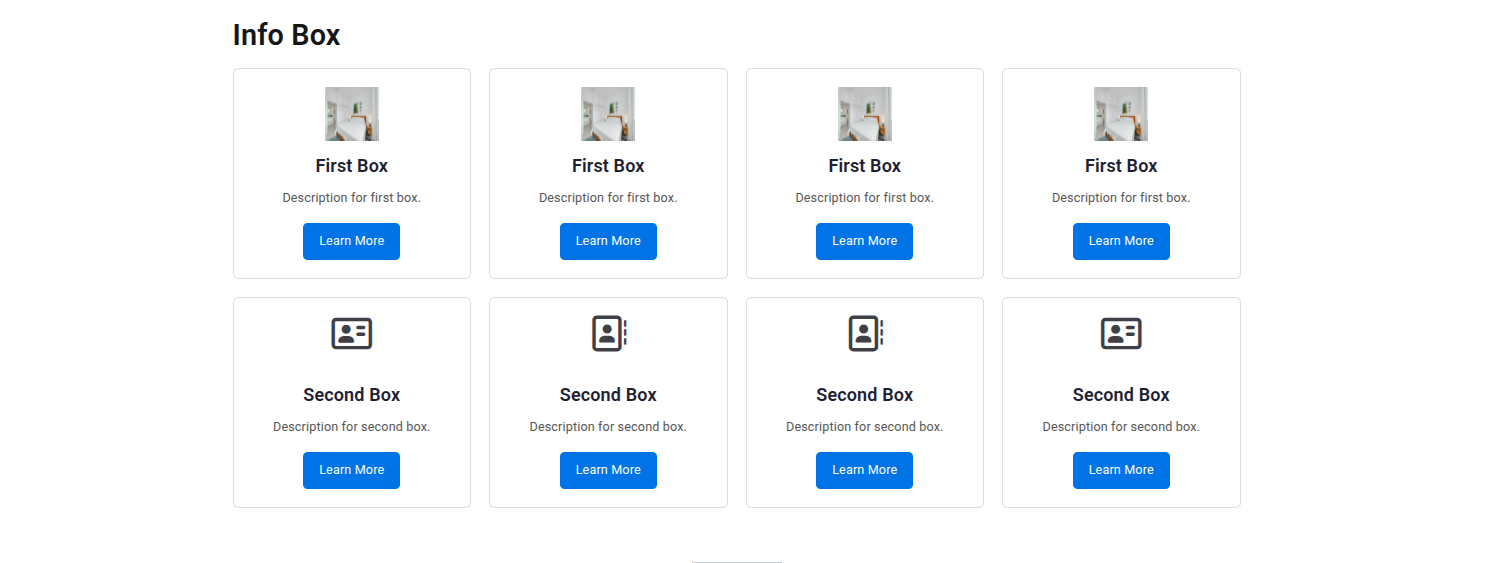
📝 Info Box – Highlight your key services or features with styled info boxes.
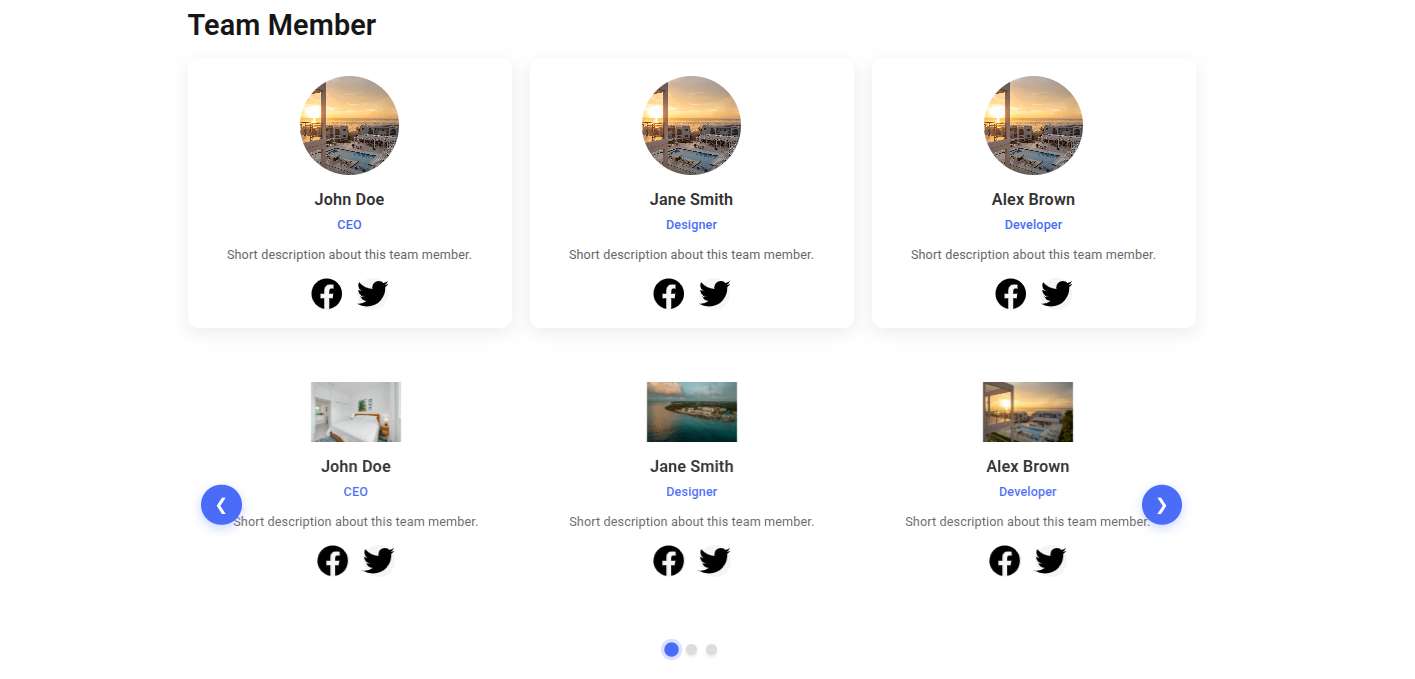
👤 Team Member – Introduce your team with photos, names, roles, and social links.
💬 Testimonial – Display client feedback with modern testimonial layouts.
Built for speed and simplicity, SwiftAddons does not bloat your site — it gives you just what you need.
Features
- Lightweight and optimized for performance
- Mobile-responsive designs
- Regular updates and maintenance
- Clean and well-commented code
- Easy to use for beginners and developers alike
Support
If you need help with this plugin, please create a support ticket on the WordPress plugin repository.
Privacy
This plugin does not collect, store, or share any personal data.
Sawir-shaashado

Rakibaad
- Upload the plugin files to the
/wp-content/plugins/swiftaddons-for-elementor/directory, or install it directly from the WordPress plugins screen. - Activate the plugin through the ‘Plugins’ screen in WordPress.
- Open Elementor editor and search for Info Box, Team Member, or Testimonial widgets.
- Drag and drop the widget into your page and start customizing.
SBI
-
Does this plugin require Elementor?
-
Yes. SwiftAddons for Elementor is an addon for the Elementor Page Builder.
-
Will it slow down my site?
-
No. It is lightweight and optimized for performance.
-
Is it compatible with other plugins?
-
Yes, it’s compatible with most WordPress themes and plugins.
-
Do I need Elementor Pro?
-
No, SwiftAddons works with both Elementor Free and Elementor Pro.
Dibu-eegisyo
Ma jiraan wax dibu-eegis ah oo ku saabsan kaabahan.
Ka-qaybgalayaasha & Horumariyayaasha
“SwiftAddons for Elementor” waa softiweer il furan. Dadka soo socda ayaa wax ku biiriyay kaabahan.
Ka-qaybgalayaasha
Ku tarjun “SwiftAddons for Elementor” luqaddaada.
Ma xiisaynaysaa horumarinta?
Baadh koodka, fiiri bakhaarka SVN, ama iska qor diiwaanka horumarinta adigoo adeegsanaya RSS.
Isbeddellada
1.0.0
- Initial release with Info Box, Team Member, and Testimonial widgets.