

Sharraxaad
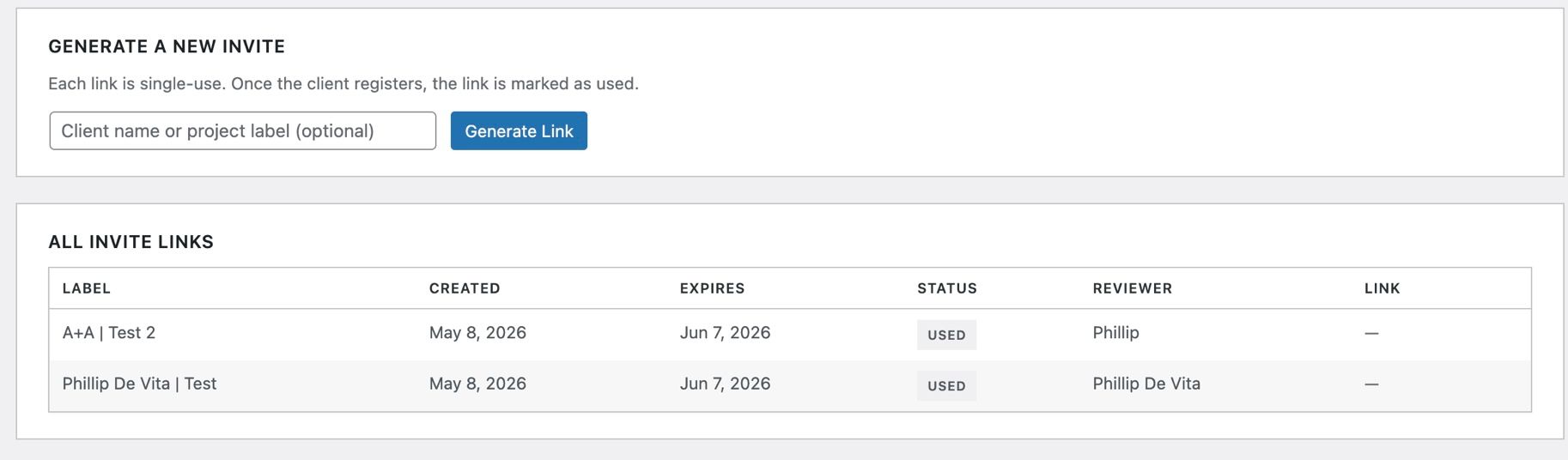
Send clients a private, single-use invite link to preview your WordPress site before launch. Clients register and land in a full-screen preview shell where they can switch between Desktop, Tablet, and Mobile viewports and drop numbered pin annotations anywhere on the page — similar to commenting in a PDF.
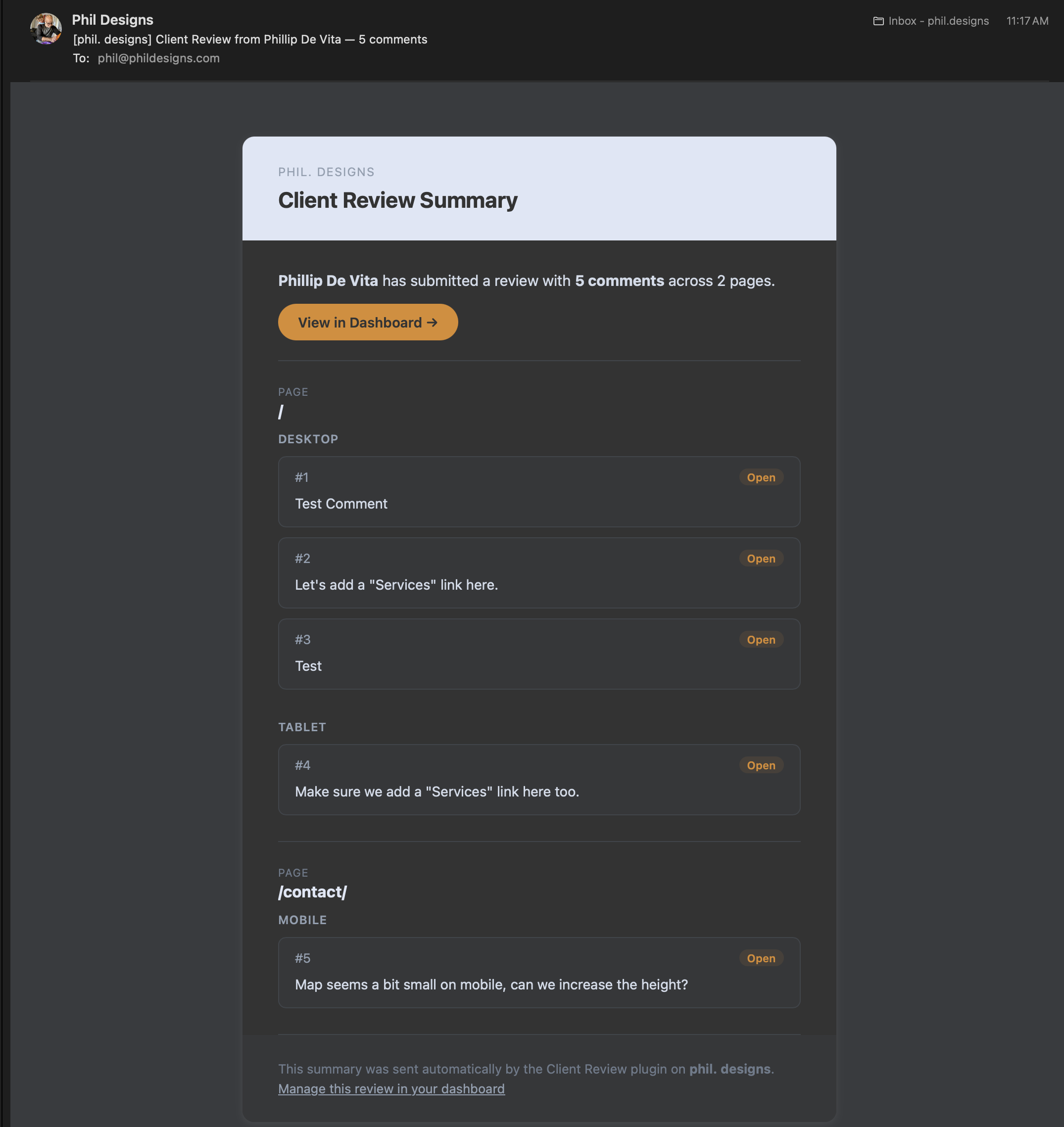
All comments are stored per page and per device size. When the client finishes, they submit their review, which emails a formatted HTML summary to the site admin. The admin can then view all feedback in a dedicated dashboard, mark items as Done or Needs Clarification, and leave response notes.
Features
- Single-use, expiring invite links — clients register once and are assigned the Client Reviewer role automatically
- Full-screen preview shell with Desktop (1440px), Tablet (768px), and Mobile (390px) viewport switching
- Click-to-pin annotations — clients click anywhere on the page to drop a numbered pin and write a comment
- Comments stored per page URL and per device size
- Multiple reviewers supported — each user can only edit or delete their own comments
- Admin response notes visible to the client on their next login
- “Finish Review” button sends a formatted HTML email summary to the site admin
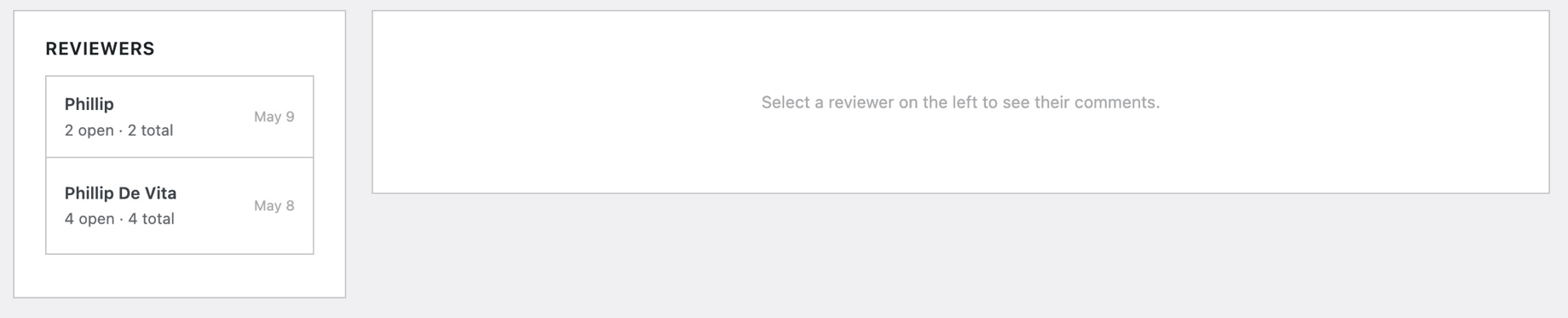
- Admin dashboard with per-reviewer comment lists, status controls (Open / Done / Needs Clarification), and admin note fields
- Client Reviewer role is blocked from wp-admin and has the admin bar hidden
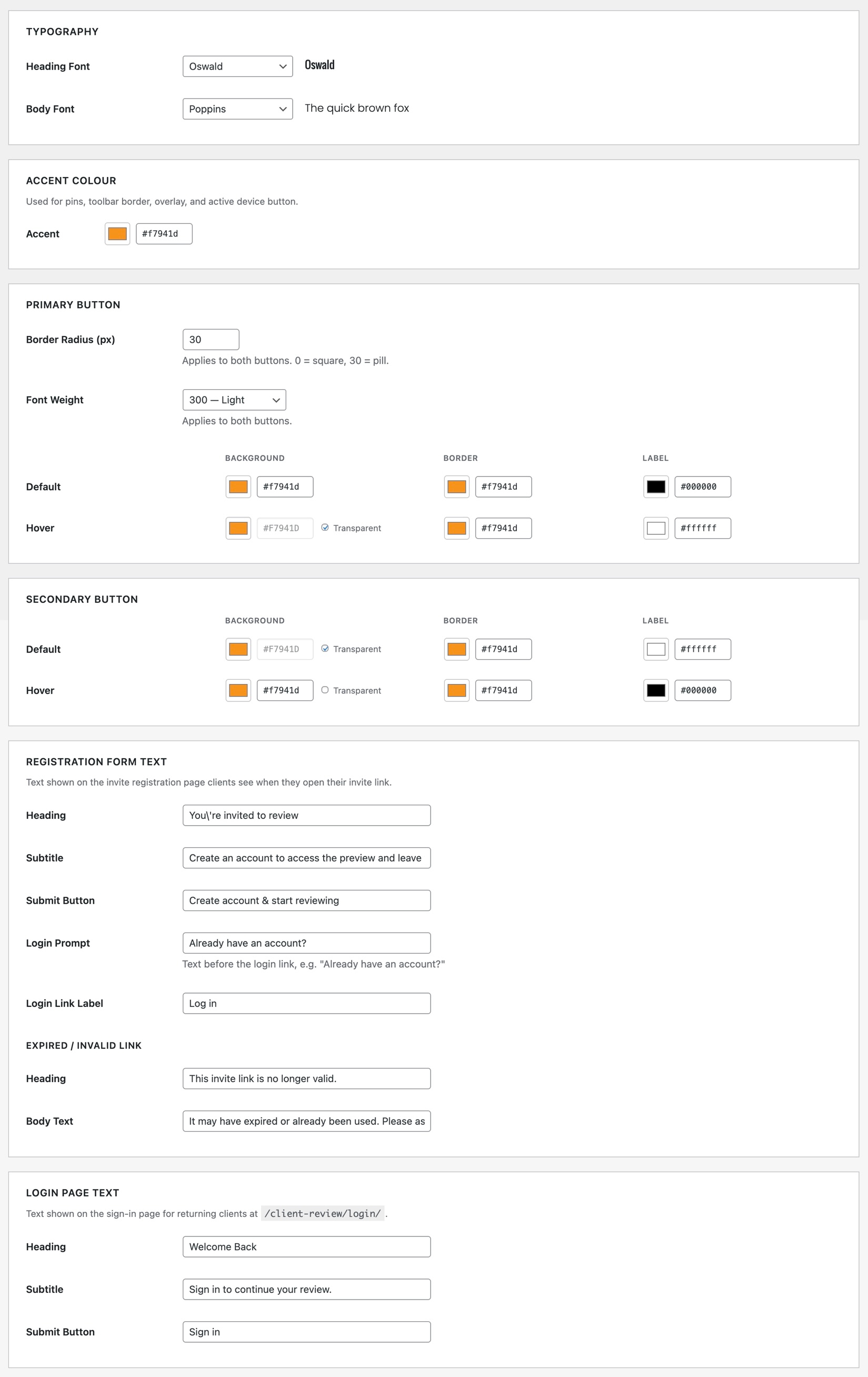
- Customisable typography, accent colour, and button styles via the Settings page
- No external dependencies — no third-party services or APIs required
Sawir-shaashado
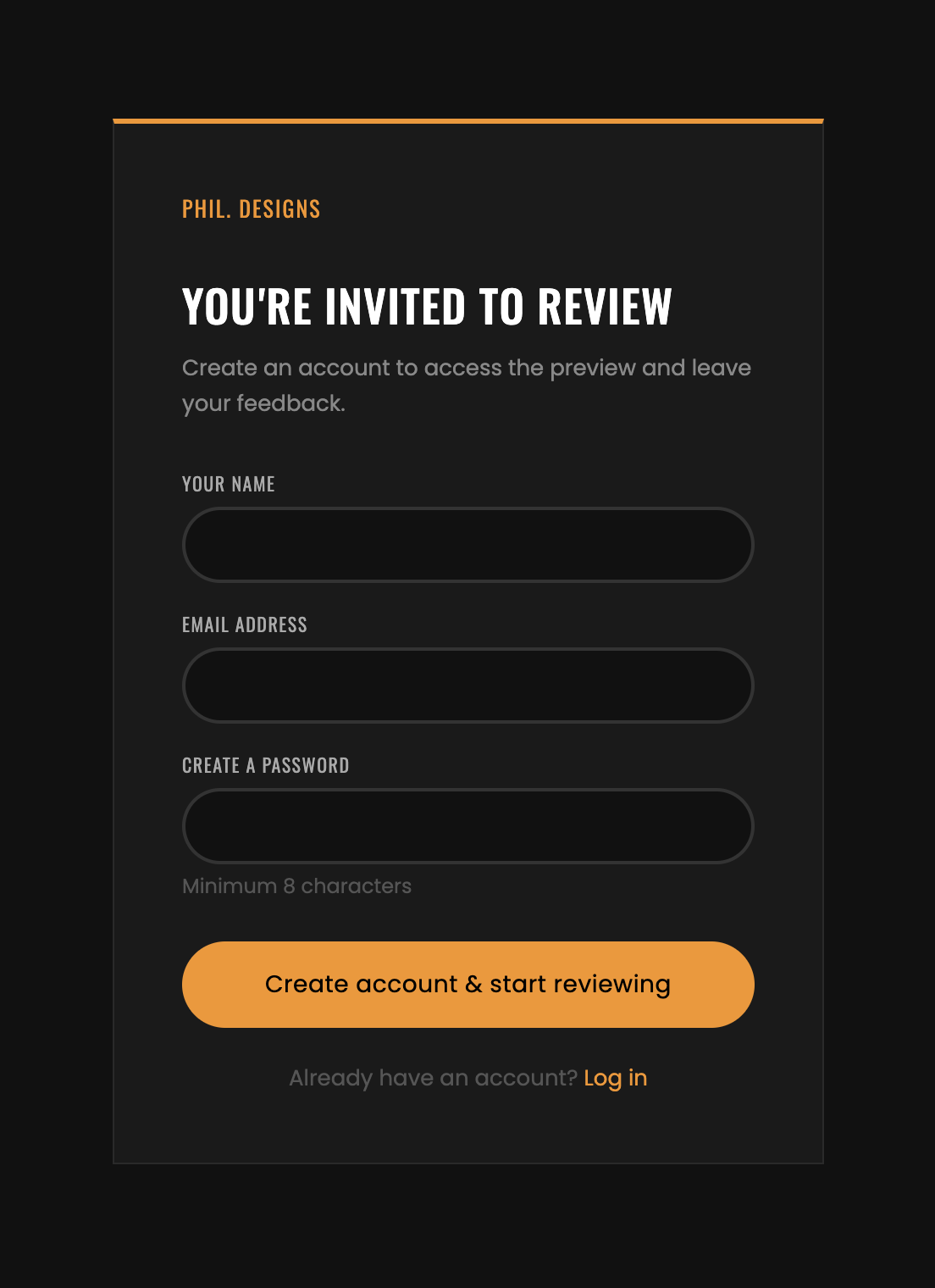
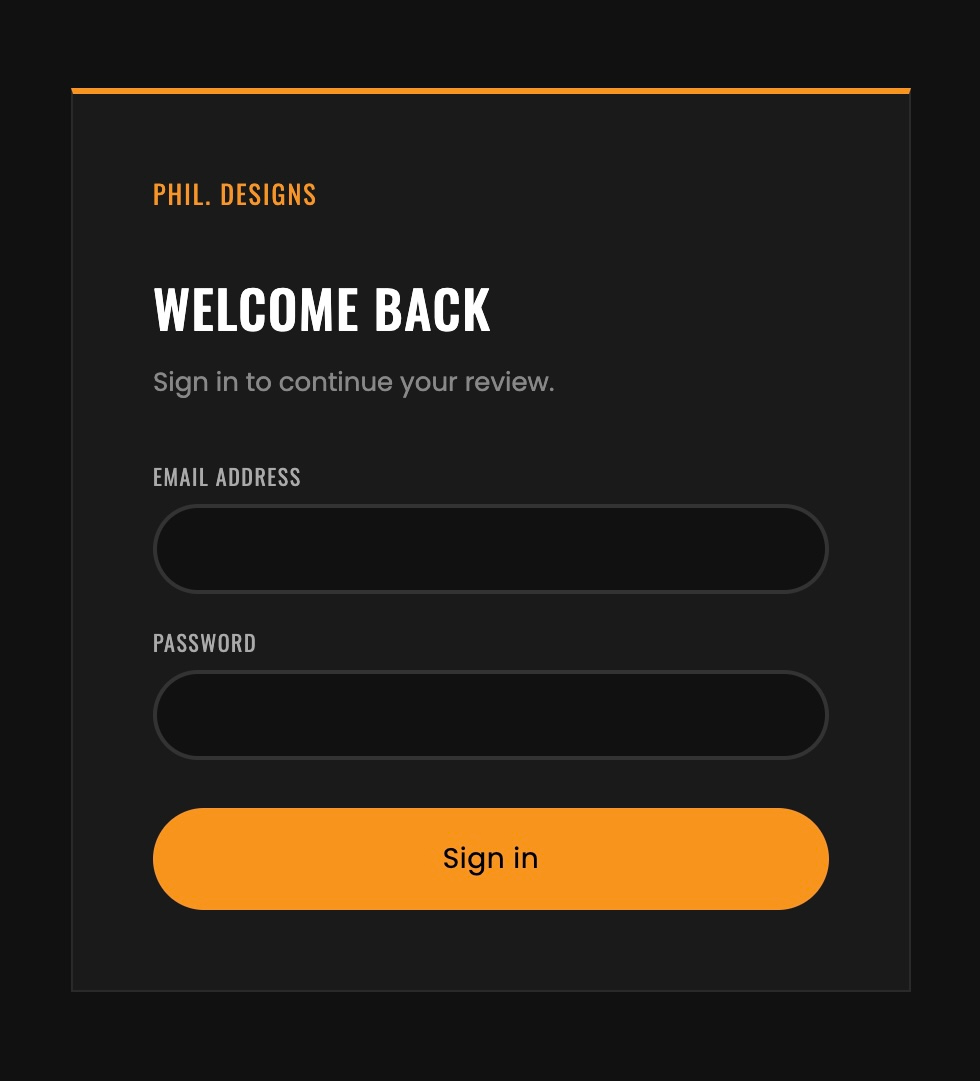
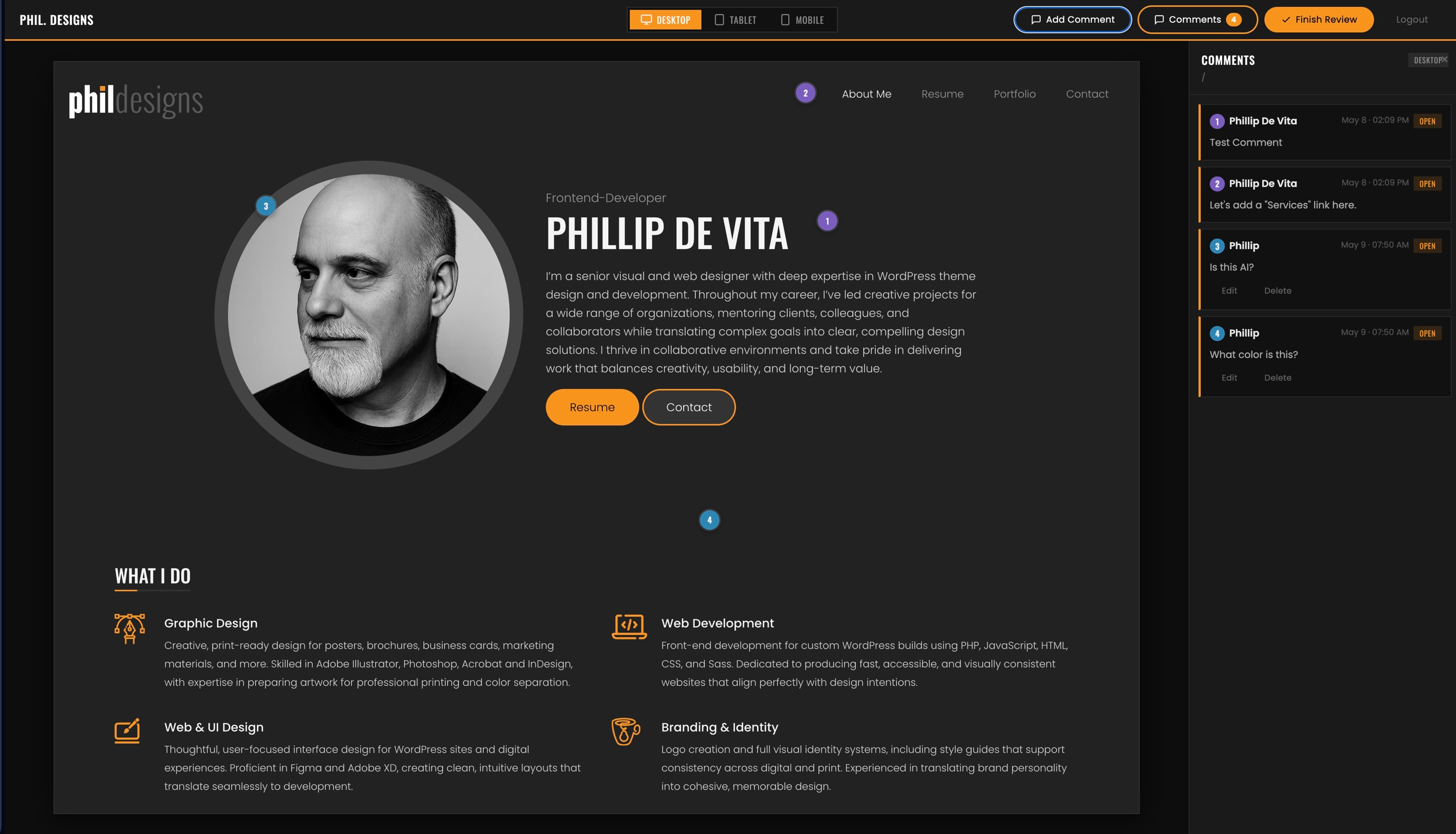
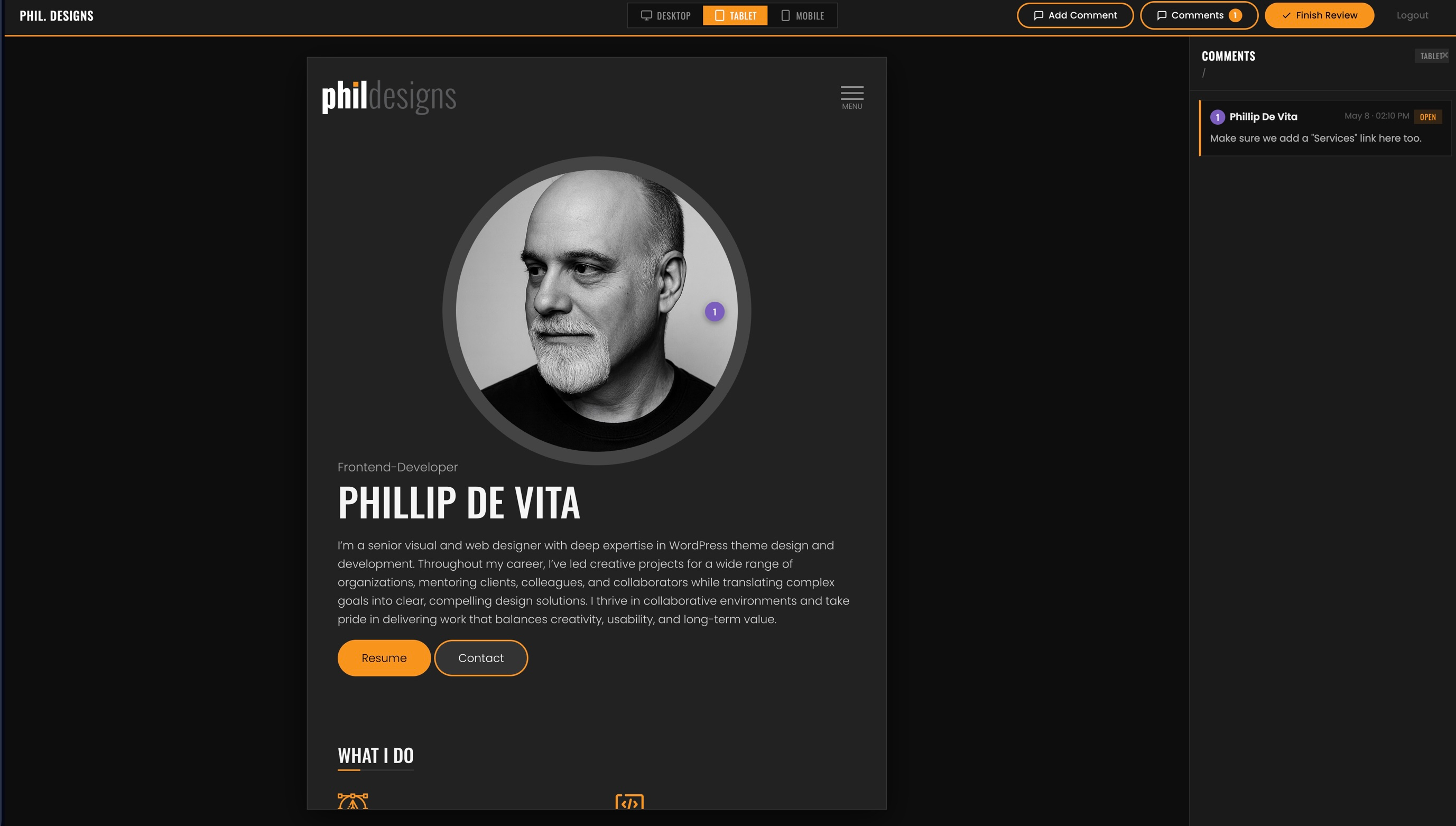
Rakibaad
- Upload the
client-reviewfolder to/wp-content/plugins/ - Activate the plugin through the Plugins menu in WordPress
- Navigate to Client Review Invite Links to generate your first invite link
Requirements
- WordPress 6.7 or higher
- PHP 8.0 or higher
- A working
wp_mail()setup on your server for email delivery
After Activation
The plugin automatically creates two database tables (wp_cr_invites and wp_cr_annotations), registers the Client Reviewer user role, and registers the /client-review/ URL for the preview shell.
If the /client-review/ URL returns a 404, go to Settings Permalinks and click Save to flush rewrite rules.
SBI
-
Do clients need an existing WordPress account?
-
No. Clients register via their invite link using their name, email, and a password. The plugin creates their account and logs them in automatically.
-
Can I invite multiple clients?
-
Yes. Each invite link is single-use and creates a separate account. You can generate as many links as you need from Client Review Invite Links.
-
Why are review summary emails not arriving?
-
The plugin uses WordPress’s built-in
wp_mail(). If emails are not being delivered, check that your hosting environment has a working mail setup or install an SMTP plugin such as WP Mail SMTP. -
Does deactivating the plugin remove client data?
-
No. Deactivating preserves the Client Reviewer role and all annotation data. To fully remove all data, delete the plugin.
-
Can clients browse the whole site from the preview shell?
-
Yes. The site is rendered in an iframe and clients can navigate normally. Clicking any link updates the URL in the toolbar and reloads comments for the new page.
Dibu-eegisyo
Ma jiraan wax dibu-eegis ah oo ku saabsan kaabahan.
Ka-qaybgalayaasha & Horumariyayaasha
“PhilDesigns Client Review” waa softiweer il furan. Dadka soo socda ayaa wax ku biiriyay kaabahan.
Ka-qaybgalayaasha
Ku tarjun “PhilDesigns Client Review” luqaddaada.
Ma xiisaynaysaa horumarinta?
Baadh koodka, fiiri bakhaarka SVN, ama iska qor diiwaanka horumarinta adigoo adeegsanaya RSS.
Isbeddellada
1.1.0
- Renamed all classes, hooks, option names, nonces, and asset handles to the
PDCR/pdcr_prefix - Fixed a security issue where the annotation status REST endpoint had no permission check
- Fonts are now self-hosted by default — no request to Google’s servers unless explicitly enabled in Settings
- All CSS and JS are now registered with
wp_enqueue_style()/wp_enqueue_script()instead of being hand-printed in templates
1.0.0
- Initial release
- Single-use invite link system with 30-day expiry
- Client Reviewer user role with wp-admin access blocked and admin bar hidden
- Full-screen preview shell with Desktop / Tablet / Mobile switcher
- Click-to-pin visual annotation system with per-page and per-device storage
- REST API for annotation CRUD with ownership enforcement
- Collapsible sidebar with comment list, status badges, and admin response display
- “Finish Review” modal with HTML email summary to admin
- Admin dashboard: Invite Links page and Reviews page with status and note controls
- Settings page for typography, accent colour, and button styling customisation